
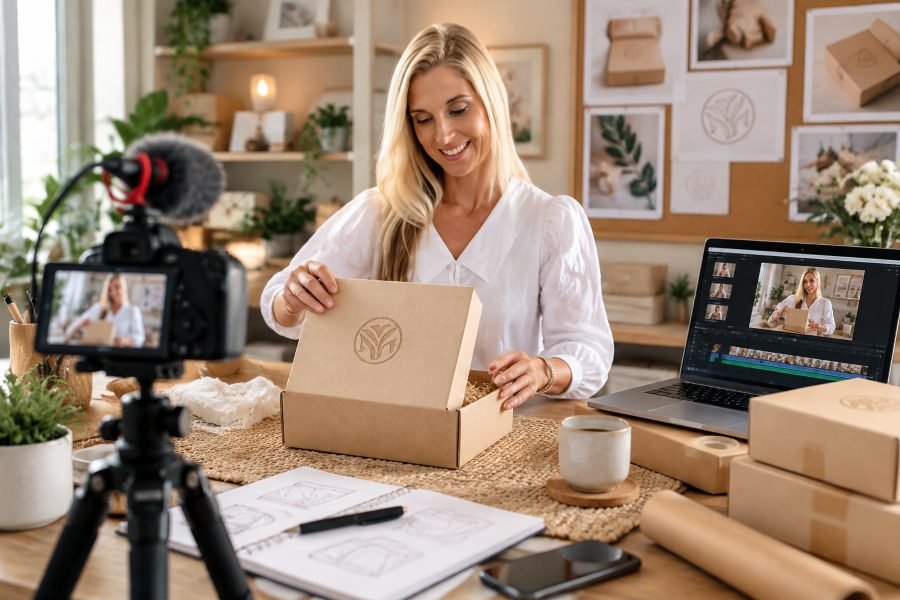
Great packaging design already does a lot of the work. It catches my attention on a shelf, shows a brand’s personality at a glance, and can make a product feel worth picking up. But when I share that same packaging on a product page or social feed, I’m competing with countless moving visuals, and a flat photo can only keep someone’s attention for so long. That’s when I turn to image to video tools, using movement to bring a box, bottle, or pouch to life while keeping the visual style connected to the brand. I’ve found this gives me a simple way to create more engaging product content without needing to plan a full product shoot.
Why I Give Packaging Photos a Second Act
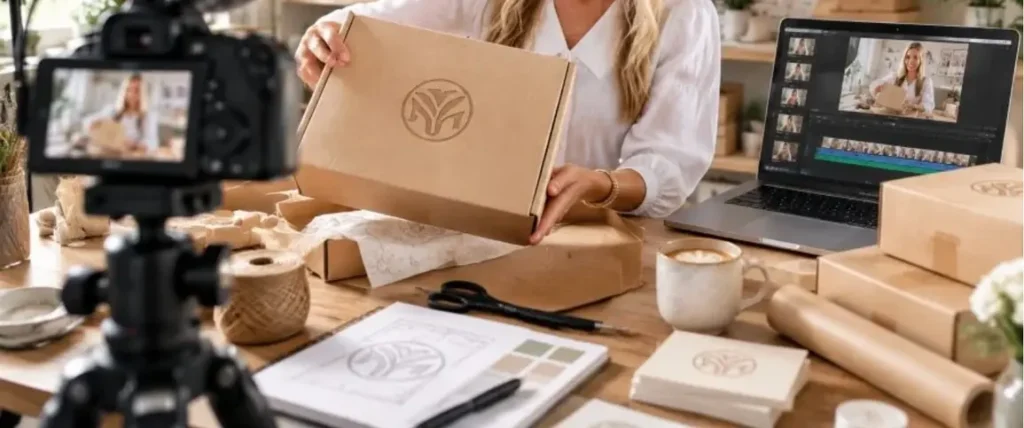
When I look at a product photo, I can usually understand what the product is, but a still image does not always give me a reason to stop and pay attention. Adding motion changes that experience. A slow rotation, a soft glint across the label, or a product gradually appearing from the shadows can make the packaging feel more polished and intentional. When I’m creating content for a product listing or social feed, those small movements can turn an ordinary product photo into something that feels much more engaging.
What I Do to Make Packaging Videos Feel Premium
I’ve found that creating a premium packaging video doesn’t necessarily require a full studio setup. I start with a clear, well lit product photo and think about the mood I want the final video to have. From there, I focus on a few details that help the packaging remain the main focus.
Some of the things I pay attention to include:
- Smooth camera movement that feels controlled rather than sudden
- Natural looking lighting that brings out the product’s texture, material, and finish
- A comfortable animation speed that gives viewers enough time to notice the packaging
- A clean background that supports the product without competing for attention
- Subtle movement that adds interest without making the video feel distracting
- Brand consistency so the video still feels connected to the product’s overall visual identity
For me, the goal is not to add movement just for the sake of movement. I want each animation to make the packaging feel more interesting while keeping the product itself at the center.
Animating your packaging with Dreamina
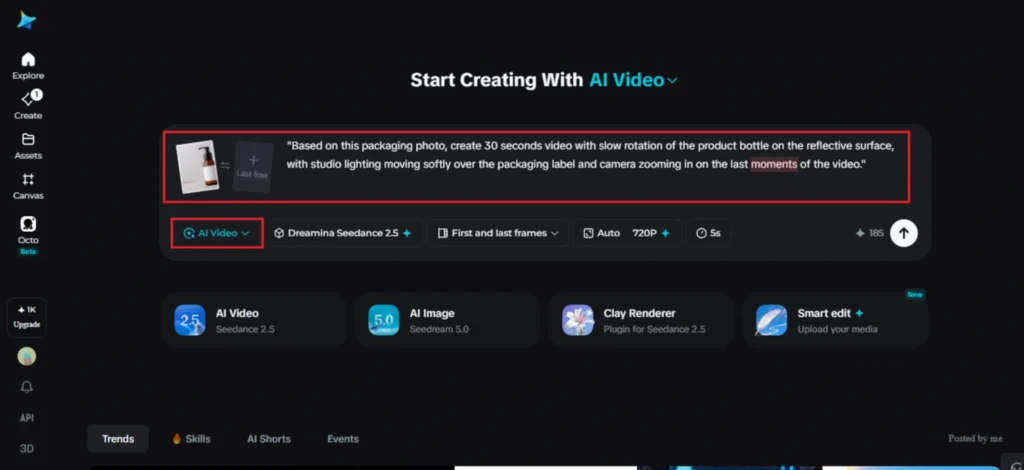
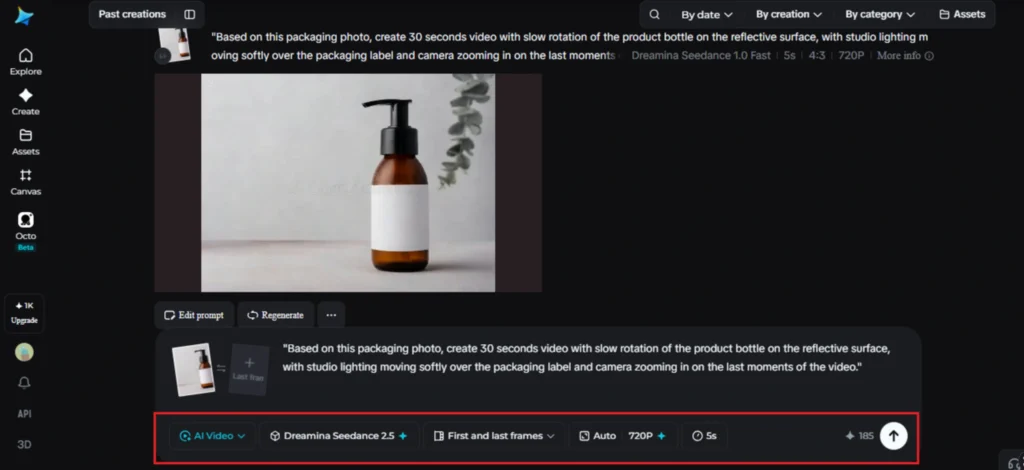
Step 1: Upload packaging photo and give motion description
Log into Dreamina account and go to the “AI Video” tab. Click the “Add reference image” button to upload a photo of your product and give it a motion description prompt.
Use this one: “Based on this packaging photo, create 30 seconds video with a slow rotation of the product bottle on the reflective surface, with studio lighting moving softly over the packaging label and the camera zooming in on the last moments of the video.”
Step 2: Generate the video with Seedance 2.5
Select the Seedance 2.5 model, choose your video length, and pick an aspect ratio — 1:1 or 4:5 for a product feed, 9:16 for Stories and Reels. Click Dreamina’s generate icon and let the packaging come to life.
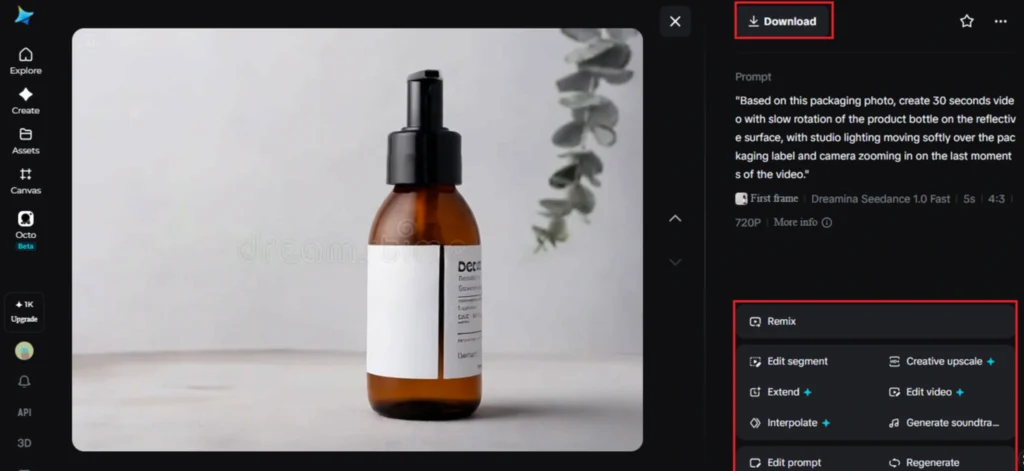
Step 3: Refine and export your product video
Use Dreamina’s editing tools to finish it off, Upscale for a sharper, more premium finish, Generate Soundtrack for a subtle audio layer, then export and drop it straight into your listing or campaign.
What Seedance 2.5 adds to product visuals
Seedance 2.5, Dreamina’s most advanced video generation model, was built with exactly this kind of controlled, detail-sensitive motion in mind.
Material texture that looks believable
Comprehensive quality improvements reduce the flat “AI look” and add believable material texture, so glass catches light the way glass should.
Fixes without a full redo
Local editing means a single label detail or reflection can be adjusted without regenerating the whole clip, saving time when only one part needs correcting.
Room for longer campaign content
Duration options stretch from a base 30 seconds up to an Ultra-long mode reaching 180 seconds, useful for longer-form campaign content.
A clean base ready for branding
Stray subtitles and unwanted background audio are removed automatically, and multimodal input support allows brand style references to be fed in alongside the product photo.
Writing prompts that respect the product
Vague prompts tend to produce generic-looking rotations that could apply to almost any object on the shelf. Naming the material, glass, matte cardboard, brushed metal — along with the lighting style you want gives the model something specific to render accurately, rather than defaulting to a generic sheen.
Choosing the right format for each platform
A square or vertical clip performs best on a product page or Instagram feed, while a slightly longer 16:9 version works well for a brand’s website or a paid ad placement where viewers are more likely to watch a few extra seconds.
Considering shots beyond the lone hero shot
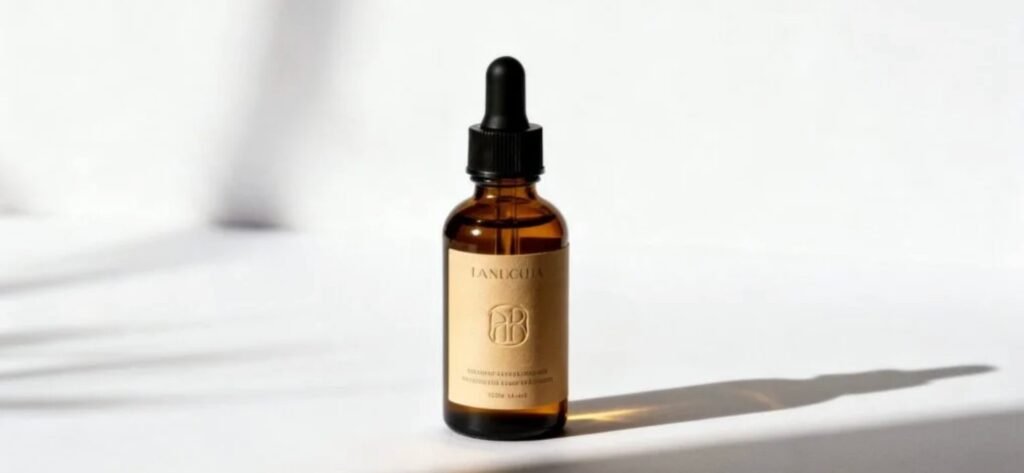
Although a good rotating shot may suffice for a listing page, brands that are doing a bigger campaign might find it useful to come up with several different perspectives of the packaging and produce several clips out of them. Being able to have various perspectives means that there are options for various social media channels – a close-up shot for Instagram, a full rotation video for the product page, and a teaser shot for paid advertisement clips.
Common mistakes brands make with product video
A few habits tend to weaken the final result:
- Using a low-quality or poorly lit source photo as the reference
- Overcomplicating the prompt with too many simultaneous camera moves
- Skipping sound entirely, which leaves the clip feeling unfinished on social platforms
- Ignoring the product’s actual material, which can lead to reflections or texture that don’t match the real item
Where animated packaging content performs best
This format shows up constantly across product listings, paid social ads, email campaigns, and influencer collaboration kits, where a moving product shot tends to hold attention and drive engagement far more effectively than a static photo sitting alone in a grid. Smaller brands in particular have found it a practical way to produce content that looks on par with much larger competitors.
Packaging was always designed to be noticed — video just gives it a better stage to do that on. With Dreamina and the material-aware precision of Seedance 2.5, a product photo can finally move the way it already looks like it should, giving brands a faster path to content that feels closer to a proper studio shoot without booking one.